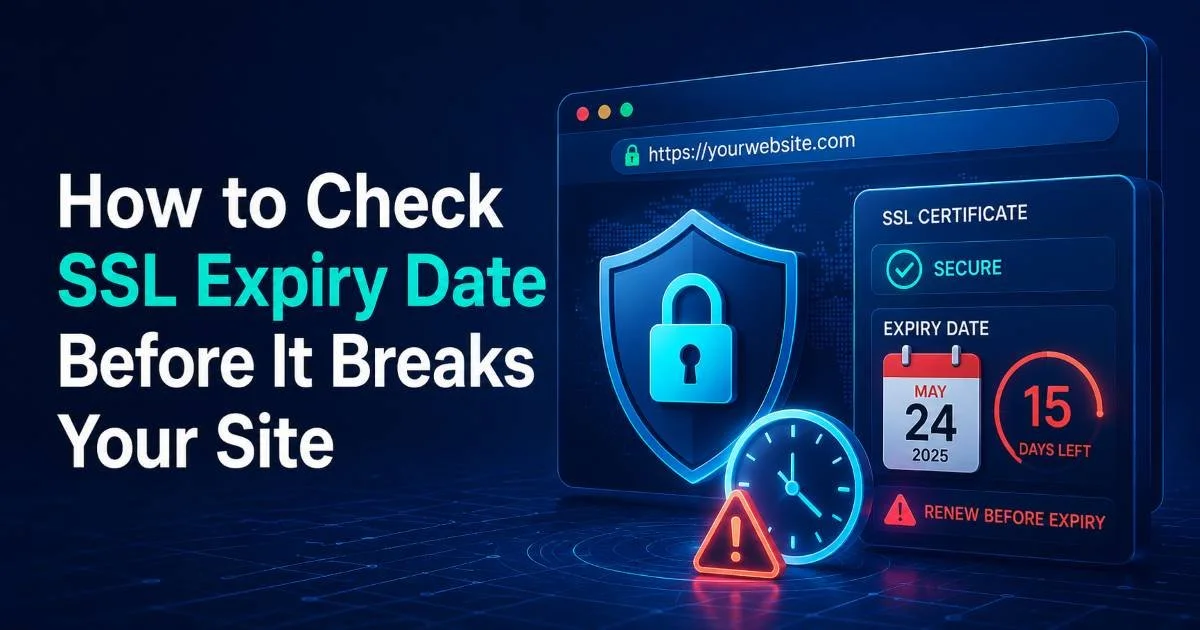
SSL certificate expiry is one of those quiet disasters that can take down your entire website in seconds. An expired TLS certificate triggers browser warnings, kills user trust, and can tank your search rankings overnight.
Every website owner and developer needs a reliable way to check SSL expiry dates before things go sideways. Using an SSL checker to scan your certificate status regularly is not optional; it's a fundamental part of running a secure website. The stakes are real: major companies like LinkedIn, Equifax, and even Microsoft have suffered public outages from expired certificates. These incidents cost revenue, erode customer confidence, and create security vulnerabilities that attackers actively exploit.
A proactive approach to SSL certificate scanning can save you from becoming the next cautionary tale. This guide walks you through exactly how to monitor and manage SSL expiry dates before they break your site.
Key Takeaways
- Check your SSL expiry date at least 30 days before renewal is needed.
- Browser-based tools and command-line methods both reveal certificate expiration details quickly.
- Automated monitoring eliminates the risk of forgetting manual certificate checks entirely.
- Expired SSL certificates immediately trigger browser warnings that drive visitors away.
- Free and paid SSL checker tools exist for every skill level and budget.
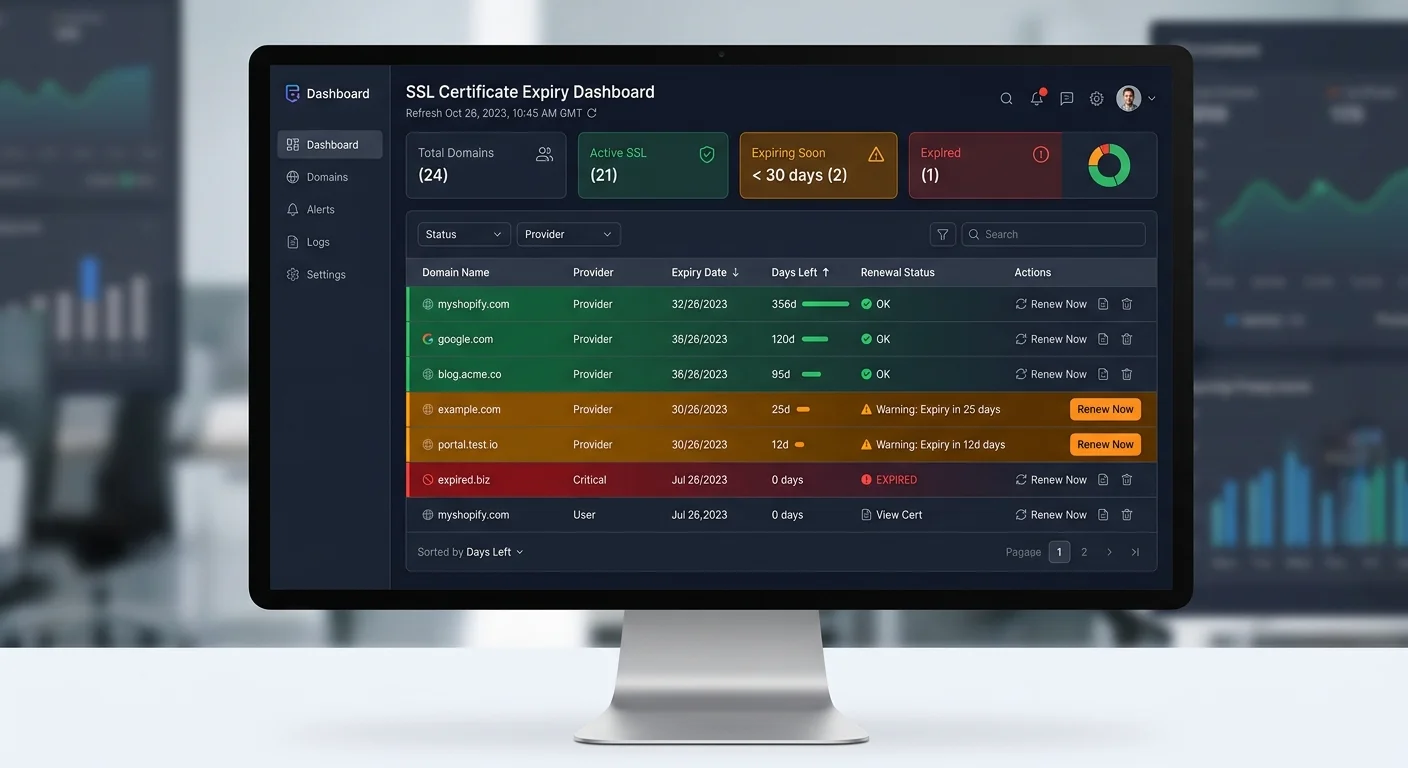
Step 1: Understand Why SSL Expiry Matters
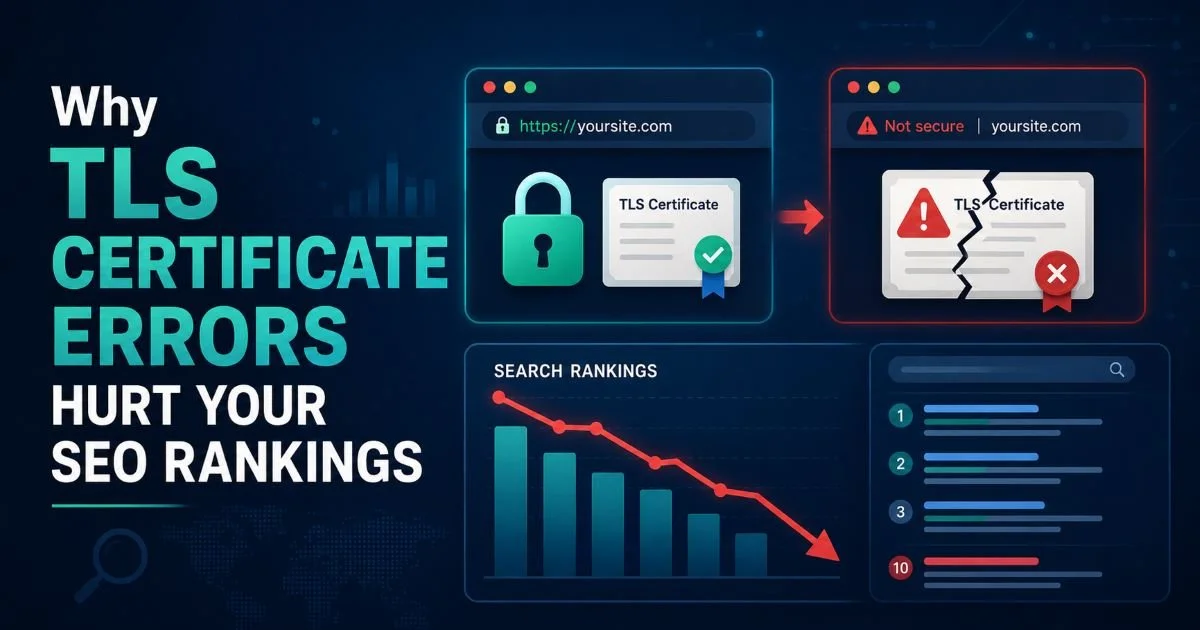
Before you start checking anything, you need to understand what actually happens when an SSL certificate expires. Modern browsers like Chrome, Firefox, and Safari display a full-page warning that tells visitors your connection is "not secure." Most users will not click through that warning. Google's own data shows that interstitial warnings cause roughly 70% of visitors to leave immediately, which means your traffic effectively drops to near zero until the certificate is renewed.
Beyond the immediate traffic loss, expired certificates create genuine security risks. An expired TLS certificate means the encryption between your server and your visitors is no longer validated by a trusted certificate authority. Attackers can exploit this window to perform man-in-the-middle attacks, intercepting sensitive data like login credentials and payment information. For e-commerce sites or any platform handling personal data, this exposure can lead to regulatory fines under GDPR, PCI DSS violations, and costly data breach notifications.
The Real Cost of Expired Certificates
Consider what happened to Ericsson in December 2018: an expired certificate caused a network outage affecting 32 million mobile users across the UK. The financial and reputational damage was enormous. Similarly, in 2020, Microsoft Teams went down for hours because of an expired SSL certificate. These are billion-dollar companies with large engineering teams. If it can happen to them, it will happen to a smaller operation without proper monitoring in place.
An expired certificate does not just show a warning. It can completely block API calls, webhook deliveries, and third-party integrations that depend on valid HTTPS.
The shelf life of SSL certificates has been shrinking, too. The CA/Browser Forum reduced maximum certificate validity from three years to roughly 398 days (about 13 months) back in 2020. Apple, Google, and Mozilla all enforce this limit. Shorter lifespans mean more frequent renewals, which means more opportunities for things to go wrong if you are not actively tracking expiry dates.
Step 2: Check SSL Expiry Using Browser and Online Tools
Browser Method
The fastest way to check your SSL expiry date requires nothing more than your web browser. In Chrome, click the padlock icon (or the tune icon in newer versions) next to the URL in the address bar. Select "Connection is secure," then click "Certificate is valid." A dialog will open showing the certificate's validity period, including the exact expiration date and time in UTC. Firefox follows a similar path: click the padlock, then the arrow, then "More Information," and finally "View Certificate."
This browser method works well for a quick spot check on a single domain. However, it becomes impractical if you manage multiple websites or subdomains. You would need to manually visit each site, click through the same menus, and record the dates somewhere. For a developer managing five or ten domains, this is tedious. For an agency managing fifty or more, it is completely unsustainable. That is where dedicated tools come in.
Online SSL Checker Tools
Online SSL checker tools let you scan any website's certificate details by simply entering the domain name. Tools like the scanner at sslchecker.dev provide comprehensive reports that include the certificate issuer, validity dates, supported TLS versions, and potential configuration issues. These reports are far more detailed than what your browser shows. You also get information about certificate chain completeness, which is a common source of errors that browsers sometimes mask.
Bookmark your SSL checker tool and schedule a recurring calendar reminder to scan your domains on the first of every month.
When evaluating online tools, look for ones that check more than just the expiry date. A good scanner will flag weak cipher suites, missing intermediate certificates, and protocol vulnerabilities like support for deprecated TLS 1.0 or 1.1. The difference between a basic expiry checker and a full-featured scanner can mean catching a misconfiguration that would otherwise cause mobile browsers to reject your certificate entirely.
Step 3: Use Command Line to Inspect Certificate Details
OpenSSL Commands
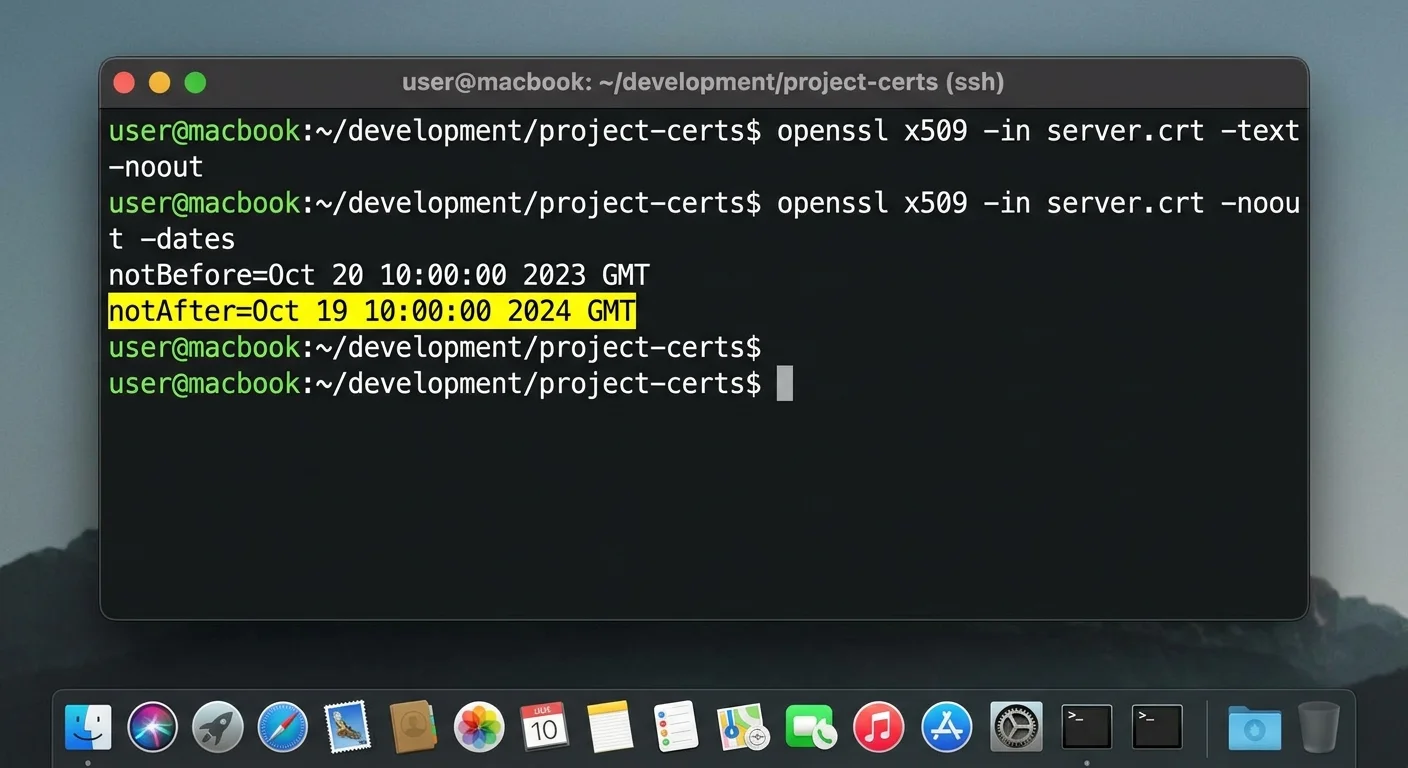
For developers comfortable with the terminal, OpenSSL provides the most granular view of certificate data. The core command is straightforward: echo | openssl s_client -connect yourdomain.com:443 -servername yourdomain.com 2>/dev/null | openssl x509 -noout -dates. This returns two lines showing "notBefore" and "notAfter" dates. The "notAfter" value is your expiry date. You can pipe this into scripts, store results in a database, or trigger alerts when the expiry falls within a threshold you define.
You can extract even more detail by replacing -dates with -text, which dumps the entire certificate including the issuer, subject, serial number, signature algorithm, and all extensions. This is invaluable for debugging certificate chain issues. If you are troubleshooting why a specific client rejects your certificate, the full text output often reveals the problem, whether it is a missing Subject Alternative Name, an unsupported key size, or an incorrect intermediate certificate.
"Checking your SSL certificate expiry manually once is useful. Automating that check is what actually prevents outages."
Another useful command variant checks how many days remain: echo | openssl s_client -connect yourdomain.com:443 2>/dev/null | openssl x509 -noout -enddate. Combine this with a bash script that calculates the difference between today and the expiry date, and you can build a lightweight monitoring tool in under twenty lines of code. Many DevOps teams run such scripts as cron jobs that email the team when any certificate drops below 30 days remaining.
Integrating with API Tools
If your infrastructure uses microservices or relies heavily on API endpoints, certificate monitoring becomes part of your broader API management strategy. Each service endpoint needs a valid TLS certificate, and a single expired cert can cascade into failures across dependent services. For teams managing complex architectures, the best API management tools often include health checks that can flag certificate issues alongside latency and uptime metrics. Integrating SSL checks into your existing toolchain reduces context switching and keeps everything visible in one place.
Some CDN providers like Cloudflare manage SSL certificates automatically, but you should still verify the origin server certificate independently.
Step 4: Set Up Automated SSL Monitoring
Manual checks are fine for learning, but automation is what actually prevents outages at scale. Dedicated SSL monitoring services will continuously scan your domains and send alerts via email, Slack, or SMS when certificates approach expiry. Many services let you set custom thresholds, so you might get a first warning at 60 days, a second at 30 days, and an urgent alert at 7 days. This layered approach gives your team enough time to renew without panic.
If you use Let's Encrypt, you already benefit from certificates that auto-renew every 90 days through Certbot or similar ACME clients. But auto-renewal fails more often than people expect. Server migrations, permission changes, DNS modifications, and firewall updates can all silently break the renewal process. Your Certbot might have been working perfectly for two years, then fail after a routine server update. Without monitoring, you will not know until visitors start seeing errors.
Choosing Monitoring Intervals
How often should you scan? For most websites, a daily check is sufficient. High-traffic e-commerce sites or platforms with strict SLA requirements might benefit from checks every six or twelve hours. The goal is to catch problems before they affect real users. Remember that certificate issues do not always mean full expiry. A misconfigured renewal might install a certificate for the wrong domain, or a CDN change might expose an invalid certificate on certain edge servers.
Build your monitoring into your deployment pipeline as well. Every time you push code, update DNS, or modify server configurations, your CI/CD pipeline should include a post-deployment SSL validation step. This catches issues at the moment they are introduced, not days later when a customer complains. Tools like Nagios, Zabbix, and Prometheus all support SSL certificate checks through plugins or custom exporters. Pick whatever fits your existing stack.
Documentation matters, too. Maintain a simple spreadsheet or use a tool that tracks every domain you manage, the certificate authority used, the issuance date, the expiry date, and who is responsible for renewal. When team members leave or responsibilities shift, this document prevents certificates from falling through the cracks. Some organizations assign certificate ownership in their asset management systems alongside server inventory and domain registrations.
After renewing a certificate, immediately run an SSL scan to verify the new certificate is installed correctly and the full chain is valid.
Frequently Asked Questions
?How do I check my SSL expiry date using OpenSSL?
?Is a free SSL checker tool as reliable as a paid one?
?How far in advance should I renew before the expiry date?
?Will an expired SSL certificate only affect my website visitors?
Final Thoughts
Checking your SSL expiry date is a small task with outsized consequences if you skip it. Start with browser checks or an online SSL checker to understand your current status, then graduate to command-line tools and automated monitoring as your needs grow.
The tools are available at every price point, including free. What matters most is building the habit and the systems so that certificate expiry never catches you off guard. Your visitors, your revenue, and your reputation all depend on it.
Disclaimer: Portions of this content may have been generated using AI tools to enhance clarity and brevity. While reviewed by a human, independent verification is encouraged.