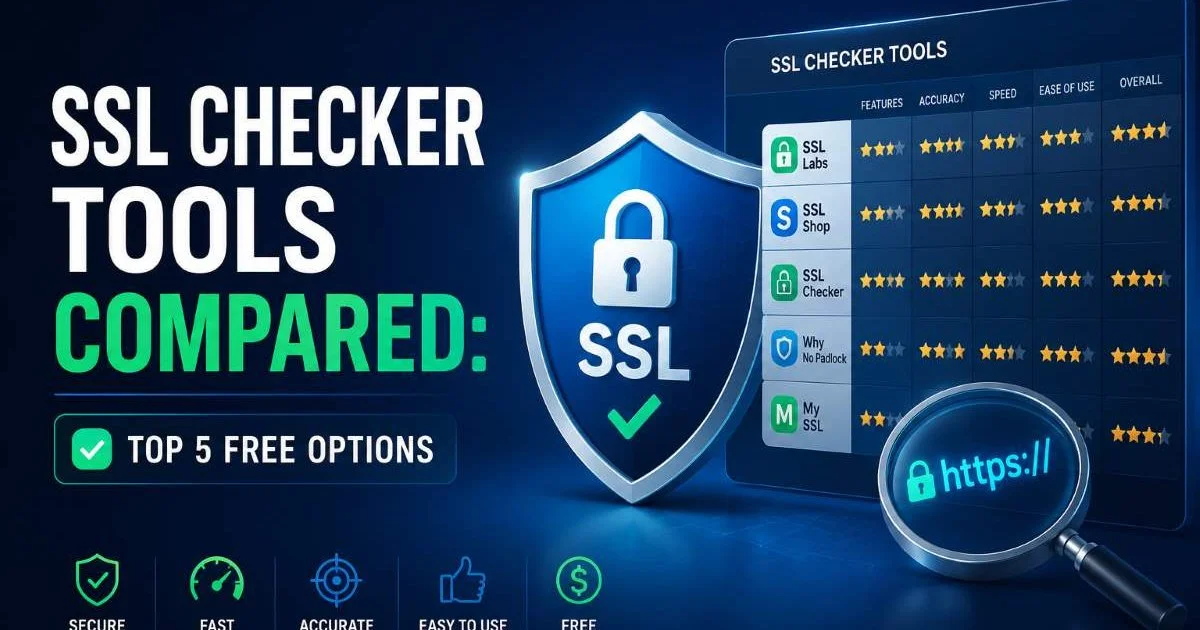
SSL checker tools have become essential for anyone managing a website in 2024. Whether you're a solo developer running a side project or a team lead overseeing dozens of domains, knowing the status of your TLS certificate, its expiry date, and the overall HTTPS configuration of your site is non-negotiable.
A single expired certificate can trigger browser warnings, tank user trust, and even hurt your search rankings. The good news? Several free tools exist to help you scan your website security posture in seconds. But not all SSL checkers are built the same. Some offer deep protocol analysis, while others focus on simplicity and speed.
In this article, we compare five of the best free options available today, breaking down what each one does well and where it falls short. For a deeper look at the fundamentals of SSL certificate scanning, that resource covers the core concepts behind how these tools work under the hood.
Key Takeaways
- Free SSL checker tools vary widely in depth, speed, and reporting features.
- SSL Labs remains the gold standard for comprehensive TLS protocol analysis.
- SSLChecker.dev provides fast, AI-guided certificate and expiry date checks.
- Lightweight checkers work best for quick scans; detailed tools suit audits.
- Automating regular certificate scans prevents costly expiration surprises.
Why Free SSL Checkers Matter for Website Security
The web runs on HTTPS. Google has been using SSL as a ranking signal since 2014, and modern browsers flag any site without a valid certificate as "Not Secure." For website owners, this means that a misconfigured or expired TLS certificate isn't just a technical issue; it's a business problem. Free SSL checker tools lower the barrier to entry for regular security monitoring, making it possible for anyone to verify their setup without paying for enterprise software.
Beyond basic validation, these tools expose problems you might not catch on your own. Mixed content warnings, weak cipher suites, incomplete certificate chains, and protocol vulnerabilities like outdated TLS 1.0 support can all lurk beneath a green padlock icon. A good checker will surface these issues with clear, actionable feedback. Many website owners assume that installing a certificate once is enough, but certificates expire, configurations drift, and new vulnerabilities emerge constantly.
The real value of a free SSL checker is in the habit it creates. Running a quick scan once a month, or better yet, setting up automated monitoring, catches problems before your visitors do. When Let's Encrypt certificates renew every 90 days, there are plenty of opportunities for renewal failures to slip through. Proactive scanning is one of the simplest and most effective website security practices you can adopt today.
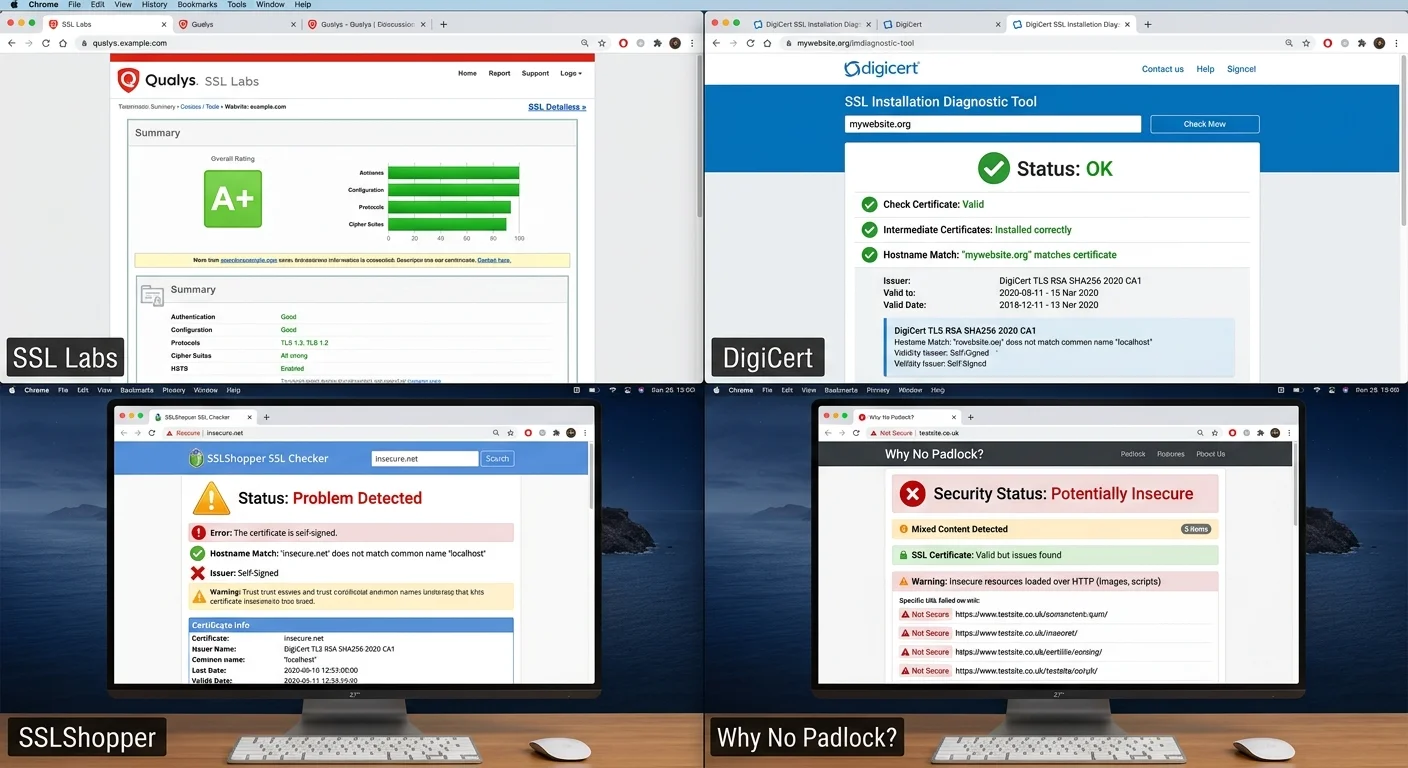
Top 5 Free SSL Checker Tools in 2024
1. SSLChecker.dev
SSLChecker.dev takes a modern approach to certificate analysis by combining standard SSL scanning with AI-powered guidance. You enter a domain, and within seconds you get a clear breakdown of your certificate details, including the issuer, SSL expiry date, protocol versions, and any configuration issues. The interface is clean and fast, designed for developers and site owners who want answers without wading through dense technical jargon.
What sets this tool apart is the AI guidance layer. Instead of dumping raw data and leaving you to interpret it, the tool provides contextual recommendations. If your certificate is nearing expiration, it tells you exactly what to do. If your server supports deprecated protocols, you get a plain-language explanation of the risk. This makes it particularly useful for website owners who may not have deep security expertise but still need to maintain proper HTTPS configurations.
The tool also handles bulk checks efficiently, which is a significant advantage if you manage multiple domains. Speed is a strong point here. Where some tools take 30 to 60 seconds per scan, SSLChecker.dev consistently returns results in under five seconds. For developers who need to quickly verify certificate status during deployment or after infrastructure changes, that speed matters.
Bookmark SSLChecker.dev and run a scan immediately after any server configuration change or certificate renewal.
2. Qualys SSL Labs
Qualys SSL Labs has been the industry benchmark for SSL testing for over a decade. Its Server Test analyzes your complete TLS configuration and assigns a letter grade from A+ down to F. The depth of analysis is unmatched among free tools. It checks protocol support, key exchange parameters, cipher strength, and known vulnerabilities like BEAST, POODLE, and Heartbleed. If you need a thorough audit, this is where you go.
The trade-off is speed. A full SSL Labs scan typically takes between 60 and 120 seconds because it tests multiple handshake scenarios and simulates connections from different client configurations. This thoroughness is valuable for audits but impractical for quick daily checks. The results page is also dense with technical details, which can overwhelm less experienced users who just want to know if their certificate is valid.
SSL Labs excels when you need to demonstrate compliance or investigate a specific issue. Its handshake simulation feature shows exactly how different browsers and operating systems negotiate connections with your server. For development teams making infrastructure decisions, such as when evaluating database platforms alongside their hosting stack, understanding the full TLS picture helps inform broader architecture choices.
3. SSL Shopper SSL Checker
SSL Shopper's checker is one of the fastest and most straightforward tools available. Enter a domain, click check, and you get a visual chain diagram showing your certificate, any intermediates, and the root CA. It highlights problems with color coding: green for valid, red for errors, yellow for warnings. The simplicity is its greatest strength. You don't need any SSL knowledge to understand the results.
This tool is particularly good at catching certificate chain issues, which are one of the most common SSL misconfigurations. If your server isn't sending the correct intermediate certificates, some browsers and devices will reject the connection even though the certificate itself is perfectly valid. SSL Shopper makes these chain problems immediately visible, saving you hours of debugging across different client environments.
The limitations are clear, though. SSL Shopper doesn't test cipher suites, protocol versions, or known vulnerabilities. It focuses strictly on certificate validity and chain integrity. Think of it as a quick health check rather than a full physical. For many website owners who just need to confirm their certificate is installed correctly and hasn't expired, that's exactly enough.
SSL Shopper does not check TLS protocol versions, so pair it with a deeper tool for full security audits.
4. DigiCert SSL Installation Diagnostics Tool
DigiCert's free checker is built by one of the largest certificate authorities in the world, and that expertise shows. The tool tests certificate installation, chain completeness, and server configuration in a clean, professional interface. Results load quickly, typically in under ten seconds, and the output is well organized with expandable sections for certificate details, server configuration, and potential issues.
One useful feature is the ability to check specific IP addresses, which comes in handy when you're running multiple servers behind a load balancer. You can verify that each server is serving the correct certificate, not just the one that happens to respond first. The tool also provides clear SSL expiry date information and sends a warning if your certificate will expire within 30 days, giving you time to act.
DigiCert's tool naturally promotes their paid certificate products, but the checker itself is genuinely useful regardless of which CA issued your certificate. It works with Let's Encrypt, Comodo, GlobalSign, and any other trusted CA. The only real downside is that the analysis isn't as deep as SSL Labs. You won't get vulnerability scanning or cipher suite rankings, but for installation verification, it's one of the best options available.
5. ImmuniWeb SSL Security Test
ImmuniWeb stands out by combining SSL analysis with compliance checking. The free SSL Security Test evaluates your configuration against PCI DSS, HIPAA, and NIST guidelines, making it the go-to choice for organizations that need to meet regulatory requirements. The results are organized into clear compliance categories with pass/fail indicators for each standard, which is incredibly useful for generating audit documentation.
The technical depth is impressive for a free tool. ImmuniWeb tests for over 30 known vulnerabilities, checks certificate transparency logs, and evaluates HTTP security headers alongside the TLS configuration. It also grades your overall security posture with a letter rating similar to SSL Labs but with added compliance context. The scan takes about 30 to 45 seconds, striking a reasonable balance between speed and thoroughness.
Where ImmuniWeb falls short is in user experience. The interface feels dated compared to newer tools, and the sheer volume of information can be overwhelming for someone who just wants a quick certificate check. It's best suited for security professionals or compliance officers who know exactly what they're looking for. If you manage a website that handles sensitive data, especially in healthcare or e-commerce, this tool belongs in your regular rotation.
"The best SSL checker isn't the most complex one; it's the one you actually use consistently."
Never rely on a single SSL checker tool. Cross-reference results from at least two tools to catch edge cases.
Side-by-Side Comparison
| Tool | Scan Speed | Vulnerability Check | Compliance Testing | Chain Validation | Best For |
|---|---|---|---|---|---|
| SSLChecker.dev | Under 5 sec | Basic | No | Yes | Quick daily checks |
| Qualys SSL Labs | 60 to 120 sec | Comprehensive | No | Yes | Deep security audits |
| SSL Shopper | Under 5 sec | No | No | Yes | Chain troubleshooting |
| DigiCert Tool | Under 10 sec | Basic | No | Yes | Installation verification |
| ImmuniWeb | 30 to 45 sec | Comprehensive | PCI DSS, HIPAA, NIST | Yes | Regulatory compliance |
Choosing the Right SSL Checker for Your Needs
Your choice of SSL checker should match your specific use case. If you're a solo developer deploying a personal project, you don't need compliance-grade testing. A fast tool like SSLChecker.dev or SSL Shopper gives you the certificate validation and expiry date confirmation you need in seconds. Speed and simplicity win when you're running checks frequently as part of your deployment workflow.
For teams managing production applications with real user data, the calculus changes. Running a thorough Qualys SSL Labs scan after major infrastructure changes catches configuration issues that lighter tools miss. Pairing that with ImmuniWeb's compliance checks gives you documentation you can hand to auditors or compliance teams. The extra time these deeper scans take is worth it when security gaps could mean data breaches or regulatory fines.
Consider building a layered scanning routine. Use a fast checker like SSLChecker.dev for daily or weekly automated monitoring to catch certificate expiry and basic misconfiguration. Then run a full SSL Labs or ImmuniWeb scan monthly or after significant changes. This two-tier approach gives you both the speed of lightweight tools and the depth of comprehensive analyzers without overwhelming your workflow.
Set calendar reminders 30 days before each certificate's expiry date, even if you use auto-renewal, as a safety net.
Don't forget that these tools complement each other rather than compete. Each one has blind spots. SSL Shopper won't tell you about weak ciphers, and SSL Labs won't flag HTTP security headers the way ImmuniWeb does. The smartest approach is to pick two or three tools that cover different angles and rotate through them. Your website security posture will be stronger for it, and your users will never see that dreaded "Not Secure" warning.
Frequently Asked Questions
?How often should I run a free SSL checker on my site?
?When should I use SSLChecker.dev vs Qualys SSL Labs?
?Can a valid green padlock icon hide real SSL configuration problems?
?Does fixing an SSL misconfiguration actually improve search rankings?
Final Thoughts
Free SSL checker tools in 2024 are more capable than ever, and there's no excuse for neglecting certificate monitoring. SSLChecker.dev offers the best balance of speed and intelligence for everyday use, while Qualys SSL Labs remains unbeatable for deep analysis.
SSL Shopper, DigiCert, and ImmuniWeb each fill specific niches that round out a complete scanning strategy. Pick the tools that match your workflow, run them regularly, and you'll stay ahead of expiration surprises and security vulnerabilities before they affect your visitors.
Disclaimer: Portions of this content may have been generated using AI tools to enhance clarity and brevity. While reviewed by a human, independent verification is encouraged.