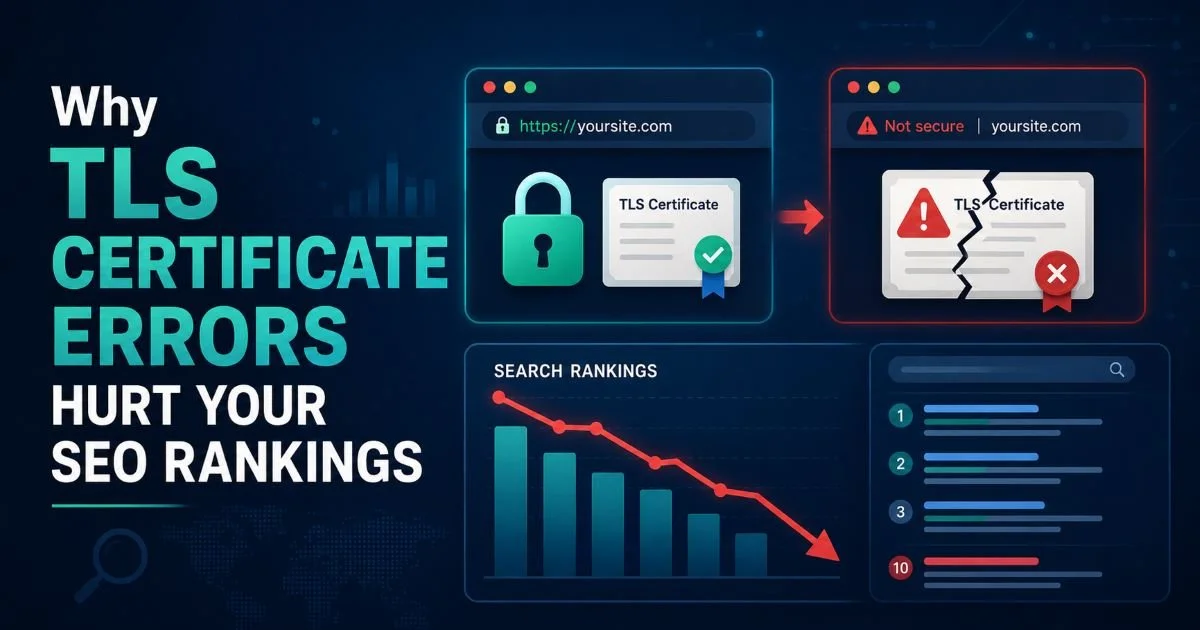
TLS certificate errors can quietly destroy your search engine rankings, and many website owners don't realize the connection until organic traffic has already dropped.
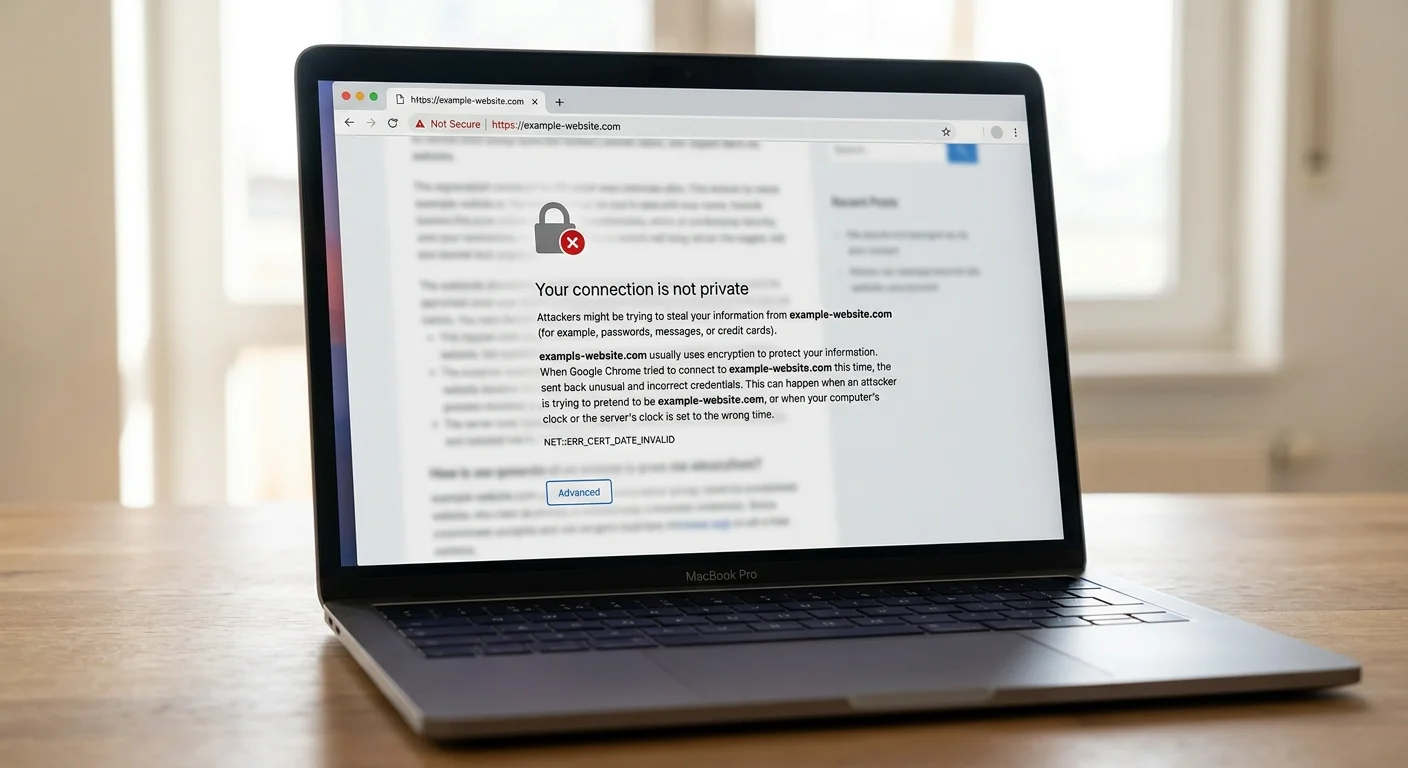
When a browser encounters an expired or misconfigured SSL certificate, it throws up a warning page that sends visitors running. Google has used HTTPS as a ranking signal since 2014, and its crawlers treat certificate problems as a serious red flag. Using an SSL certificate checker to scan your site regularly is one of the simplest ways to protect both your security posture and your SEO performance. A broken TLS certificate doesn't just create a bad user experience; it signals to search engines that your site may be unsafe.
This article walks you through exactly how certificate errors damage your rankings and what you can do to fix them before the damage compounds.
Key Takeaways
- Expired TLS certificates trigger browser warnings that spike bounce rates and hurt rankings.
- Google's crawlers may deindex pages served over broken HTTPS connections.
- Mixed content warnings dilute your site's perceived security and authority signals.
- Automated SSL expiry date monitoring prevents surprise certificate lapses.
- Regular website security scans catch certificate chain issues before search engines do.
Step 1: Understand How Google Treats TLS Certificate Errors
The HTTPS Ranking Signal
Google confirmed HTTPS as a ranking signal back in August 2014, and the weight of that signal has only grown since. While it started as a lightweight tiebreaker, Chrome's aggressive push to label HTTP sites as "Not Secure" changed user behavior dramatically. Sites without valid certificates saw measurable drops in click-through rates from search results. The signal isn't just about having HTTPS; it's about having a properly configured, valid TLS certificate that browsers trust without complaint.
When Googlebot encounters a certificate error during a crawl, it doesn't simply ignore the problem and index the page anyway. The crawler may retry later, but persistent errors lead to pages being dropped from the index entirely. For a deeper understanding of how SSL certificate scanning works and why it matters, it's worth reviewing the fundamentals. Google's systems are designed to protect users, and serving them pages behind broken certificates contradicts that mission.
Crawl Budget and Indexing Impact
Every site gets a finite crawl budget from Google, representing how many pages Googlebot will fetch during each visit. Certificate errors waste that budget because the crawler hits a wall, retries the connection, and eventually moves on. Large sites with thousands of pages feel this most acutely. If Googlebot can't efficiently crawl your site because of TLS handshake failures, new content may take weeks to appear in search results.
The indexing consequences compound over time. Pages that were previously indexed can be removed if Google repeatedly encounters certificate errors when trying to recrawl them. This creates a slow, invisible bleed of organic traffic that many site owners mistakenly attribute to algorithm updates or content quality issues, when the real culprit is sitting in their server configuration.
A single day of expired certificate can cause pages to drop from Google's index within 48 to 72 hours.
Step 2: Identify Common TLS Certificate Problems That Affect SEO
Expired Certificates
The most common and most damaging certificate error is simple expiration. Every TLS certificate has a finite lifespan, typically 90 days for Let's Encrypt or up to 398 days for commercial certificates. When that date passes without renewal, browsers immediately display a full-page security warning. According to research from SEMrush, sites that experienced certificate expiration saw average traffic drops of 30% or more within the first week.
Knowing your SSL expiry date before it breaks your site is not optional; it's a basic maintenance requirement. Many organizations still rely on calendar reminders or hope that auto-renewal will work flawlessly every time. But auto-renewal can fail silently due to DNS changes, server migrations, or expired API tokens. When it does, the first sign is often a panicked message from a customer or a sudden cliff in Google Analytics.
Mismatched and Incomplete Chains
Certificate name mismatches happen when the domain in the certificate doesn't match the domain being accessed. For example, a certificate issued for "www.example.com" won't cover "example.com" unless it includes a Subject Alternative Name (SAN) entry. Browsers treat this as a security error, and Googlebot follows suit. Subdomains, staging environments, and CDN endpoints are frequent sources of mismatch problems.
Incomplete certificate chains are trickier to diagnose because they may work in some browsers but fail in others. If your server doesn't send the intermediate certificates, older devices and certain crawlers can't verify the chain of trust back to the root certificate authority. Running a thorough website security scan for SSL issues will catch these chain problems that manual browsing often misses.
| Error Type | Browser Behavior | SEO Impact | Detection Difficulty |
|---|---|---|---|
| Expired certificate | Full-page warning | Severe (deindexing) | Easy |
| Name mismatch | Full-page warning | Severe (deindexing) | Easy |
| Incomplete chain | Warning on some devices | Moderate (partial crawl failures) | Moderate |
| Mixed content | Padlock removed | Low to moderate | Moderate |
| Self-signed certificate | Full-page warning | Severe (deindexing) | Easy |
| Weak cipher suite | May block connection | Moderate | Hard |
Step 3: Scan and Fix Certificate Issues Before They Hurt Rankings
Automate SSL Monitoring
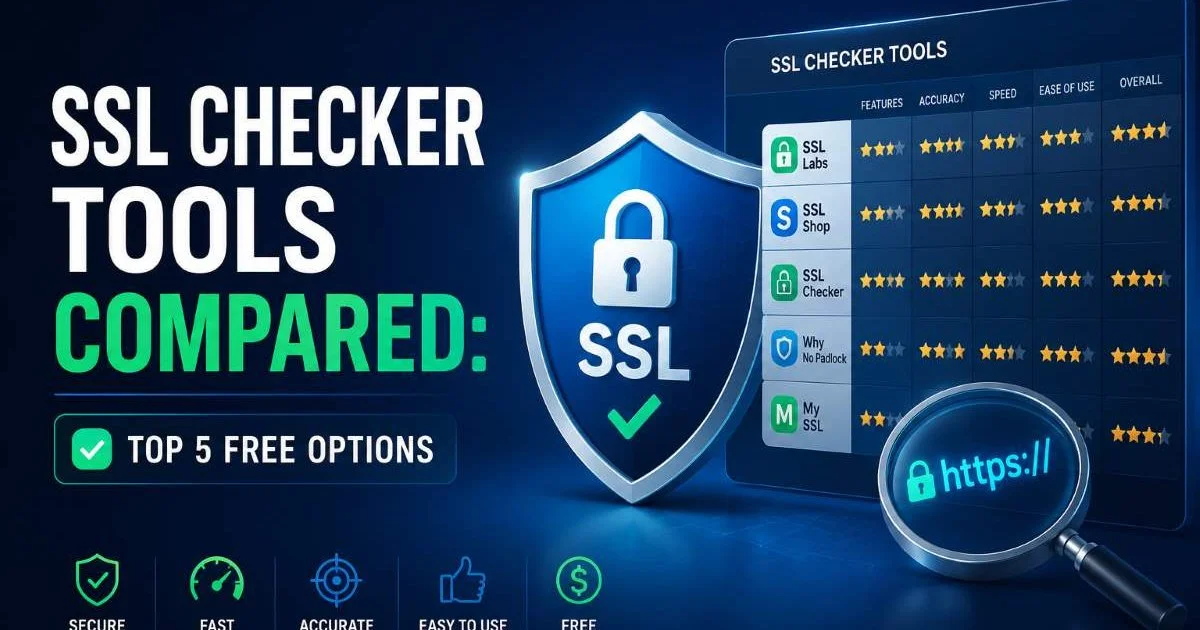
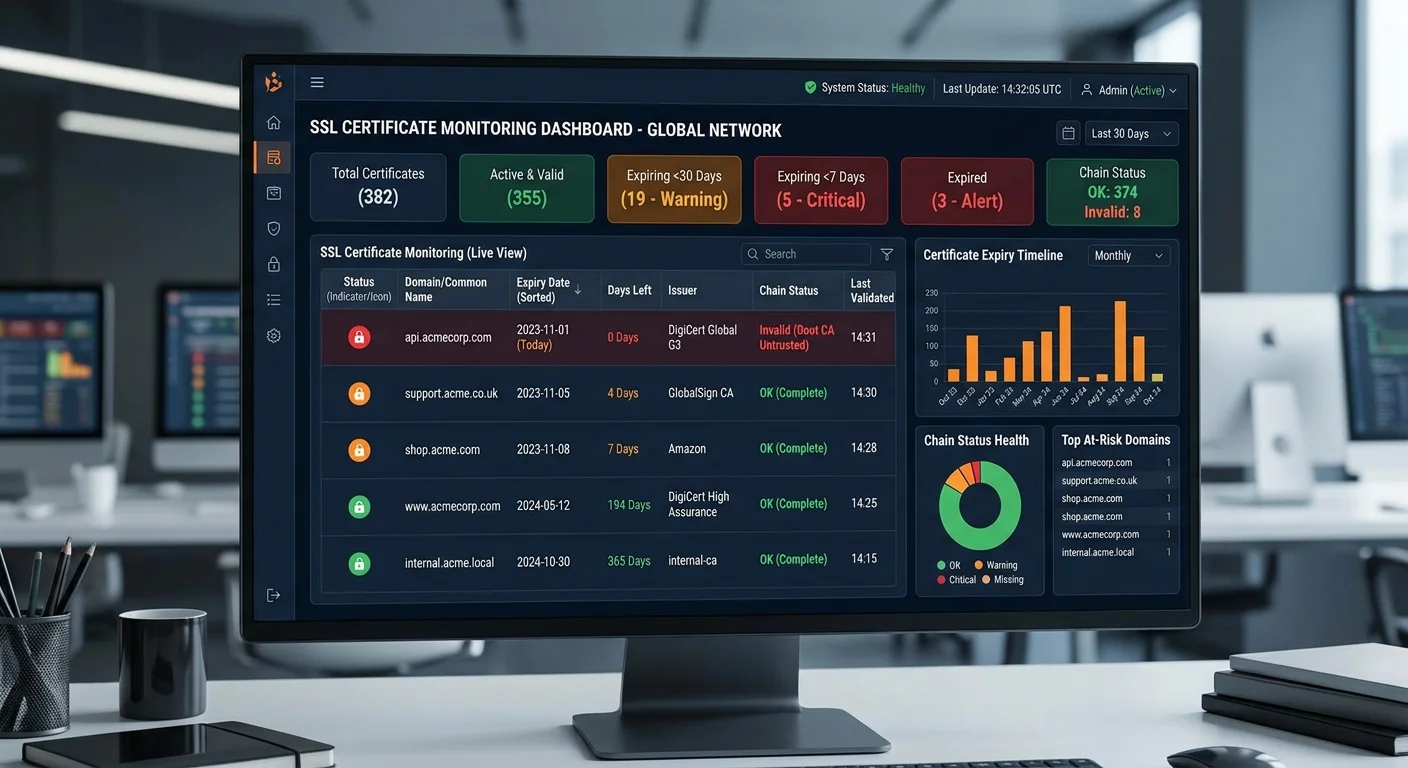
Manual certificate checks are unreliable and don't scale. If you manage more than a handful of domains, you need automated monitoring that alerts you well before expiration. An SSL certificate checker offers significant advantages over manual verification, including continuous monitoring, chain validation, and protocol analysis. Set up alerts for at least 30, 14, and 7 days before expiration to give yourself adequate response time.
Beyond expiration monitoring, your scanning tool should validate the full certificate chain, check for protocol vulnerabilities like TLS 1.0 or 1.1 support, and verify that your cipher suites meet current security standards. Tools that only check whether the certificate exists miss half the picture. A certificate can be technically valid but still cause SEO problems if it's configured with deprecated protocols that modern browsers flag.
Set up monitoring for every domain variant you use, including www, non-www, subdomains, and any CDN endpoints.
Fix Mixed Content and Redirect Loops
Mixed content occurs when an HTTPS page loads resources (images, scripts, stylesheets) over plain HTTP. Browsers strip the padlock icon and may block certain resources entirely. Google's ranking systems evaluate the overall security posture of a page, and mixed content signals incomplete HTTPS implementation. Use your browser's developer console to identify mixed content warnings, then update resource URLs to use HTTPS or protocol-relative paths.
Redirect loops are another hidden certificate killer. A common scenario involves an HTTP-to-HTTPS redirect that conflicts with a www-to-non-www redirect, creating an infinite loop. Googlebot detects these loops quickly and stops crawling the affected URLs. The fix requires careful coordination of your redirect rules in your server configuration (Apache's .htaccess or Nginx's server blocks) and your CDN settings. Test every redirect path after making changes, because even seemingly minor misconfigurations can cascade into crawl failures.
"A certificate error that lasts just one week can take over a month to fully recover from in search rankings."
Step 4: Build an Ongoing TLS Maintenance Routine
Set Monitoring Schedules
Treating TLS maintenance as a one-time task is a recipe for disaster. Build certificate health checks into your regular operations workflow. Weekly automated scans should check certificate validity, chain completeness, and protocol configuration across all your domains. Monthly reviews should evaluate your certificate authority relationships, renewal processes, and any upcoming expirations. This cadence catches problems during the window when they're easy to fix rather than after they've impacted rankings.
Your monitoring routine should also account for infrastructure changes. Server migrations, CDN switches, and load balancer updates frequently break certificate configurations in ways that aren't immediately visible. After any infrastructure change, run a full SSL scan within 24 hours. Many organizations discover certificate problems weeks after a migration, by which time Google has already adjusted its assessment of the affected pages. The relationship between infrastructure decisions and search performance is similar to how choosing between database technologies requires understanding downstream performance implications.
Certificate monitoring should cover staging and development environments too, since search engines sometimes index these accidentally.
Document Your Certificate Inventory
Maintain a living document that tracks every certificate your organization uses. Include the domain(s) covered, the certificate authority, the issuance date, the expiry date, the renewal method (automatic or manual), and the responsible team member. This inventory becomes invaluable during incidents. When a certificate expires unexpectedly, knowing exactly where it's deployed and who manages it cuts response time from hours to minutes.
For organizations managing multiple properties, a centralized certificate inventory also reveals consolidation opportunities. You might discover that three separate certificates could be replaced by a single wildcard certificate, reducing management overhead and the surface area for errors. Review your inventory quarterly to remove certificates for decommissioned domains and add entries for new properties. This discipline transforms certificate management from a reactive firefighting exercise into a proactive SEO protection strategy.
Frequently Asked Questions
?How do I check my SSL expiry date before it causes a rankings drop?
?Will fixing a TLS certificate error immediately restore lost Google rankings?
?How quickly can an expired certificate actually hurt my crawl budget?
?Are mixed content warnings as damaging to SEO as a fully expired certificate?
Final Thoughts
TLS certificate errors are one of the most preventable causes of SEO ranking drops, yet they remain surprisingly common.
The fix isn't complicated: monitor your certificates proactively, validate your configurations after every infrastructure change, and maintain a clear inventory of every certificate your organization relies on. Search engines reward sites that provide secure, uninterrupted experiences, and they penalize those that don't.
Investing a small amount of time in regular SSL health checks protects the organic traffic you've worked hard to build.
Disclaimer: Portions of this content may have been generated using AI tools to enhance clarity and brevity. While reviewed by a human, independent verification is encouraged.