Running a website security scan focused on SSL issues is one of the most practical things you can do to protect your site and its visitors. An expired or misconfigured TLS certificate can trigger browser warnings, tank your search rankings, and erode user trust within minutes.
Whether you manage a single blog or dozens of client sites, knowing how to use an SSL certificate checker to identify vulnerabilities before they cause damage is a skill worth building. The good news is that the process is straightforward once you understand the moving parts.
This guide walks you through four actionable steps to scan your site for SSL problems, check your SSL expiry date, and fix the issues that matter most. For a broader overview of what this process involves, our complete guide to SSL certificate scanning covers the foundational concepts in detail.
Key Takeaways
- Scan your SSL certificate regularly to catch misconfigurations before browsers flag your site.
- Always verify the full certificate chain, not just the primary domain certificate.
- Automated monitoring tools can alert you days before your SSL expiry date hits.
- Mixed content warnings often persist even after installing a valid TLS certificate.
- Free SSL checker tools provide enough data for most small to mid-size websites.
Step 1: Understand the Most Common SSL Issues
Before you run a single scan, it helps to know what you're actually looking for. SSL and TLS certificate problems fall into a handful of categories, and most of them are preventable. The most frequent issue is simple expiration. Certificates have a fixed lifespan, typically 90 days for Let's Encrypt or up to 398 days for commercial providers. When they expire, browsers immediately display a full-page security warning that stops most visitors cold.
Expired Certificates
An expired certificate is the most visible SSL failure. Your site doesn't just lose the padlock icon; Chrome and Firefox will actively block visitors with an interstitial page. The damage compounds because search engines can also downgrade your rankings during the outage period. If you want to understand the full risk timeline, this article on how to check SSL expiry date before it breaks your site breaks down exactly when and how to act.
Chain and Protocol Problems
Beyond expiration, incomplete certificate chains cause problems more often than people realize. Your server needs to present the full chain of trust from your domain certificate up through intermediate certificates to the root CA. If any link is missing, some browsers and devices will reject the connection entirely. Older TLS protocol versions like TLS 1.0 and 1.1 are another common finding. Modern browsers have already dropped support for these, and running them exposes your users to known vulnerabilities like POODLE and BEAST.
Self-signed certificates are another frequent discovery during scans. They work fine for internal development environments, but on public-facing sites, they generate the same scary browser warnings as expired certs. Misconfigured Subject Alternative Names (SANs) round out the list; if your certificate doesn't cover all your subdomains or domain variations, visitors hitting those URLs will see errors even though your main domain works perfectly.
Never ignore certificate chain warnings. Even if your site loads in Chrome, incomplete chains can fail on mobile devices and older browsers.
Step 2: Choose Your SSL Scanning Tool
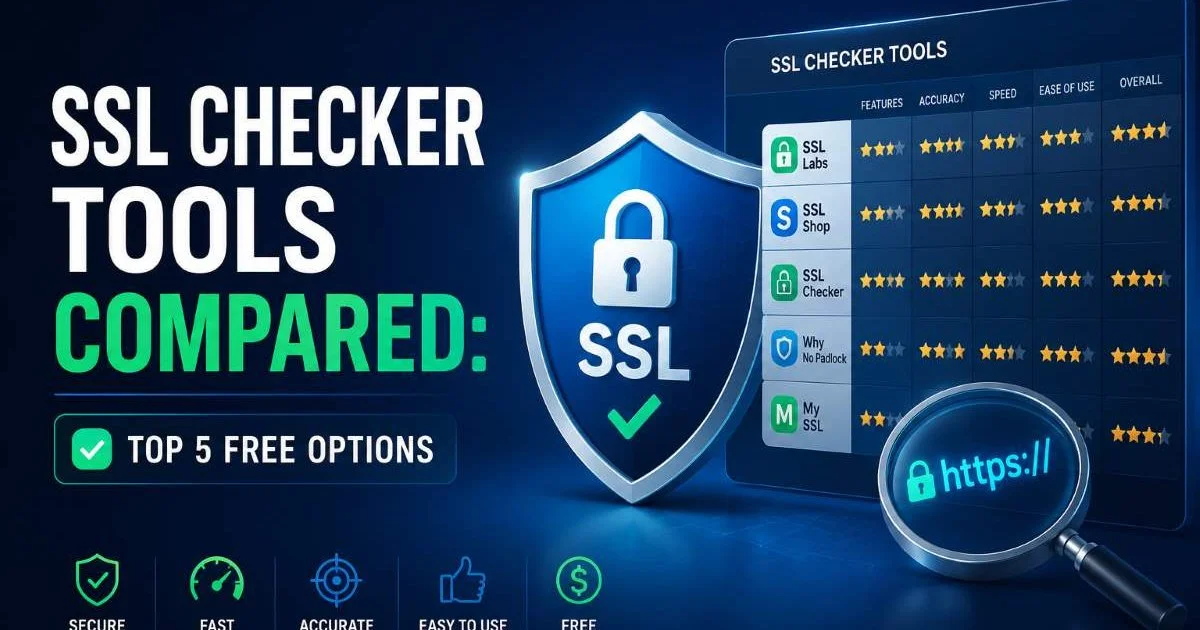
The tool you pick determines how much detail you get and how quickly you can act on it. There are dozens of options available, from browser-based checkers to command-line utilities and full monitoring platforms. For most website owners, a web-based SSL certificate checker is the fastest starting point. You enter your domain, click scan, and get results within seconds. For a detailed comparison of popular options, our roundup of top free SSL checker tools covers the strengths and limitations of each.
What to Look for in a Checker
Not all scanners test the same things. A basic checker might only confirm whether a certificate exists and hasn't expired. More thorough tools will validate the complete certificate chain, test protocol versions, check cipher suites, and flag mixed content issues. The best tools also report on HTTP Strict Transport Security (HSTS) headers and Certificate Transparency logs. If you manage APIs alongside your website, you should also consider scanning those endpoints; enterprise API security practices often overlap significantly with web SSL hygiene.
For developers comfortable with the terminal, OpenSSL's s_client command remains a powerful option. Running openssl s_client -connect yourdomain.com:443 returns raw certificate data, chain information, and protocol details. However, interpreting that output takes practice, and it's easy to miss issues that automated tools would flag immediately. The tradeoffs between these approaches are covered thoroughly in our piece comparing SSL certificate checker tools versus manual verification.
Command-line tools like nmap with the ssl-enum-ciphers script offer even deeper analysis. They'll enumerate every cipher suite your server supports and flag weak ones. For teams managing multiple domains, platform-based monitoring solutions from providers like Datadog or Uptime Robot can watch certificate status across your entire portfolio and send alerts when anything changes.
Start with a free web-based SSL checker for quick results, then layer in command-line tools for deeper analysis on critical infrastructure.
Step 3: Run Your Website Security Scan
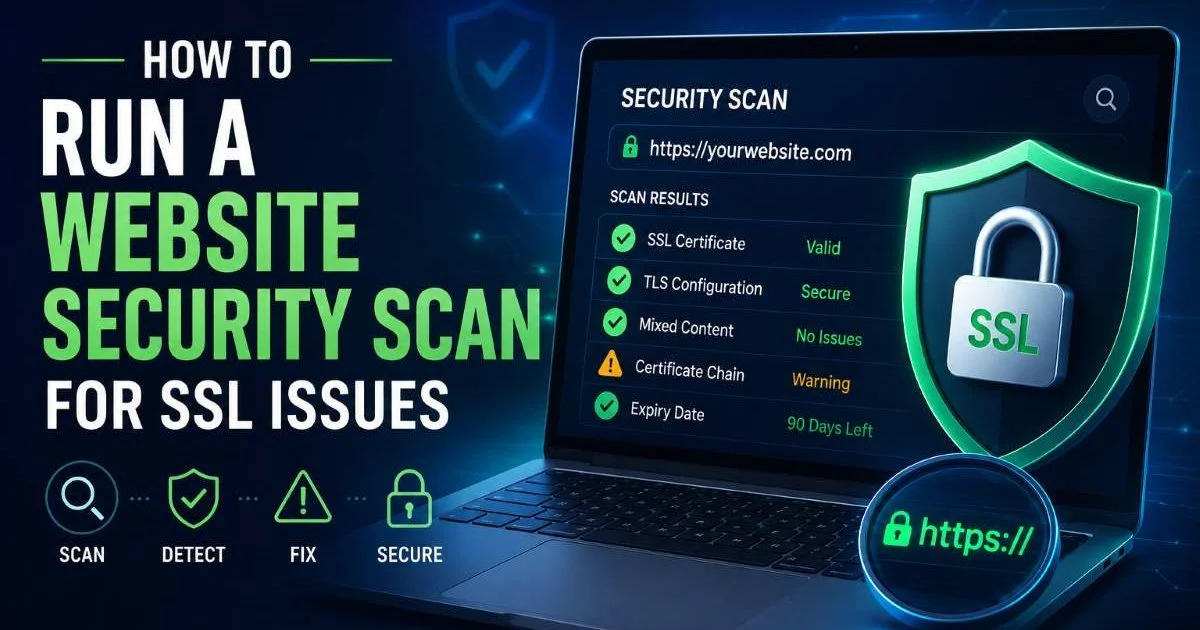
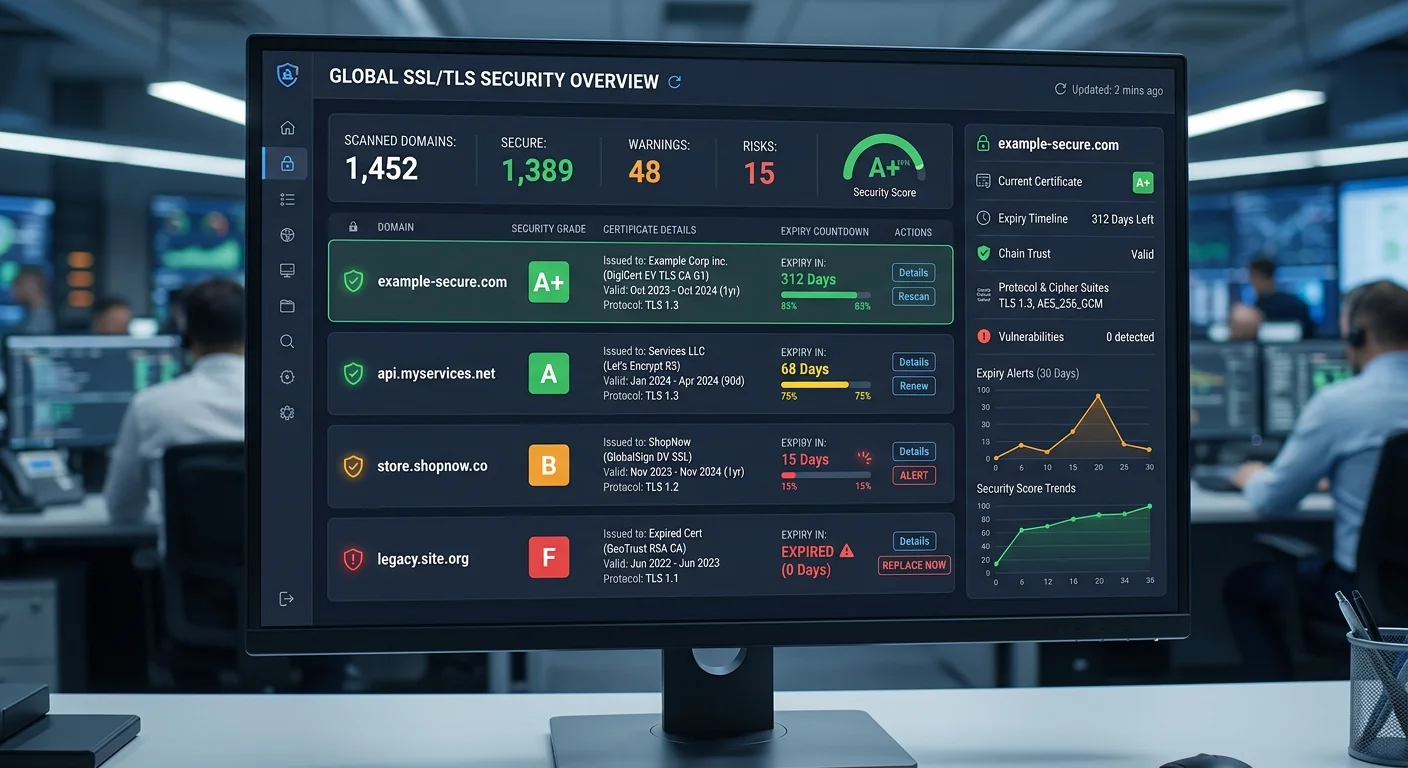
Now for the hands-on part. Navigate to your chosen SSL certificate checker and enter your domain name. Most tools accept the bare domain (example.com) without requiring the https:// prefix. Hit scan and wait for the results, which typically arrive in five to fifteen seconds. The initial report will show your certificate's issuer, validity dates, and an overall grade or status indicator. Pay attention to the SSL expiry date first, because everything else is moot if your certificate is about to lapse.
Reading Scan Results
A good scan report breaks findings into categories. Certificate validity tells you whether the cert is current, who issued it, and which domains it covers. Protocol support shows which versions of TLS your server accepts. You want to see TLS 1.2 and TLS 1.3 only; anything older is a liability. Cipher suite analysis reveals the encryption algorithms in use. Look for modern suites using AES-GCM or ChaCha20-Poly1305, and flag anything using RC4, DES, or 3DES for immediate removal.
Mixed content is another category that catches many site owners off guard. Even with a perfectly valid certificate, if your pages load images, scripts, or stylesheets over plain HTTP, browsers will downgrade the security indicator. Some browsers block mixed active content entirely, breaking functionality. Scan your pages with browser developer tools or a dedicated mixed content scanner to find and fix these references. Typically, the fix is simply updating URLs from http:// to https:// in your CMS templates or database.
"A valid SSL certificate means nothing if your pages still load resources over plain HTTP."
After reviewing the report, document every finding with its severity level. Critical issues like expired certificates or supported SSLv3 need same-day fixes. Medium issues like missing HSTS headers or weak cipher suites should be addressed within a week. Low-priority findings, such as certificate transparency log gaps, can go into your next maintenance sprint. This triage approach keeps you focused on what actually reduces risk.
Some scanners grade your overall SSL configuration with a letter grade (A through F). Aim for at least an A rating, but don't obsess over A+ until the critical issues are resolved.
Step 4: Fix Issues and Set Up Ongoing Monitoring
Fixing the issues your scan revealed is where the real security improvement happens. For expired or soon-to-expire certificates, renew immediately through your certificate authority or hosting provider. If you use Let's Encrypt, check that your Certbot or ACME client cron job is running properly. For incomplete chains, download the correct intermediate certificates from your CA's documentation and update your server configuration. Test the fix by running your SSL checker scan again to confirm the chain validates fully.
Automate Renewal and Alerts
Protocol and cipher fixes typically require editing your web server configuration. In Nginx, the ssl_protocols directive controls which TLS versions are accepted, and ssl_ciphers defines the allowed cipher suites. Apache uses similar directives under SSLProtocol and SSLCipherSuite. After making changes, reload your server configuration and run another scan. Mozilla's SSL Configuration Generator is an excellent free resource that produces copy-paste configurations for all major web servers, tuned to current best practices.
One-time scanning catches today's problems but does nothing for tomorrow. Set up automated monitoring that checks your certificates on a schedule, daily or weekly at minimum. Configure alerts to notify you at least 30 days before any certificate expires. Many monitoring services integrate with Slack, email, or PagerDuty, so the right person gets notified without anyone needing to remember to check manually. This single step prevents the vast majority of SSL-related outages.
Finally, build SSL scanning into your deployment pipeline. Every time you push a new server configuration or deploy a new subdomain, an automated check should verify that the TLS certificate is valid, the chain is complete, and only approved protocols are active. CI/CD tools like GitHub Actions or GitLab CI can run OpenSSL checks as a post-deployment step. This catches configuration regressions before they reach production, turning your website security scan from an occasional task into a permanent safety net.
Add a calendar reminder 14 days before your SSL expiry date as a backup, even if you have automated monitoring in place.
Frequently Asked Questions
?How do I check if my full certificate chain is valid, not just the domain cert?
?Is a free SSL checker tool enough, or do I need a paid scanner?
?How far in advance should I renew before my SSL expiry date?
?Why do I still see mixed content warnings after installing a valid TLS certificate?
Final Thoughts
Running a website security scan for SSL issues is not a one-time project. It is an ongoing practice that protects your users, your reputation, and your search rankings.
Start with a scan today using a reliable SSL certificate checker, fix what you find, and set up monitoring so you never get surprised by an expiration or misconfiguration again. The tools are free, the process takes minutes, and the alternative, a browser warning page greeting your visitors, is simply not worth the risk.
Disclaimer: Portions of this content may have been generated using AI tools to enhance clarity and brevity. While reviewed by a human, independent verification is encouraged.