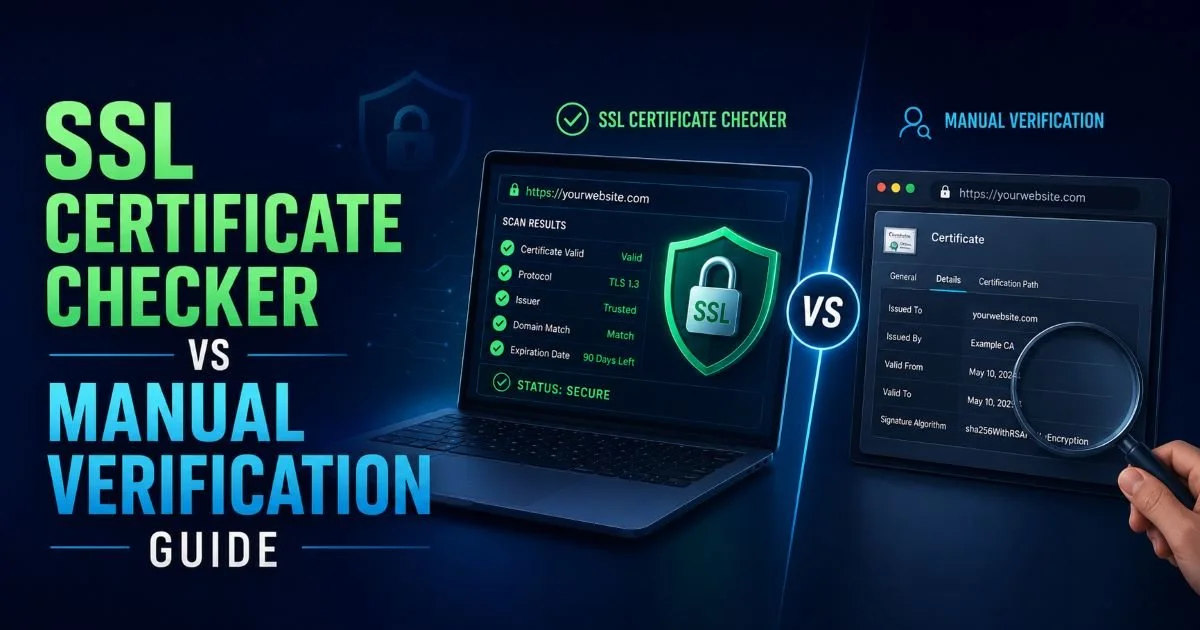
An SSL certificate checker automates the process of verifying your site's TLS certificate status, expiry date, and overall HTTPS configuration. Manual verification, on the other hand, involves using browser tools, command-line utilities, and server logs to inspect certificates one by one.
Both approaches aim to protect your website security, but they differ wildly in speed, accuracy, and scalability. For website owners managing a handful of domains, manual checks might feel sufficient. But as your portfolio grows, the risk of missing an SSL expiry date or a misconfigured certificate chain increases dramatically.
Understanding the strengths and weaknesses of each method helps you make a smarter choice. If you want a deeper foundation, our complete guide to SSL certificate scanning covers the fundamentals in detail. This comparison breaks down both methods across the criteria that matter most.
Key Takeaways
- Automated SSL checker tools scan certificates in seconds and catch issues humans miss.
- Manual verification gives granular control but does not scale beyond a few domains.
- Expired certificates cause browser warnings that drive away roughly 85% of visitors.
- Combining both methods provides the strongest website security posture available.
- Free SSL checker tools now offer professional-grade scanning for most use cases.
Speed and Efficiency
Automated Scanning Workflow
An SSL checker tool like the one at sslchecker.dev returns results in under five seconds. You enter a domain, hit scan, and immediately see your certificate's issuer, expiry date, protocol version, and any chain issues. There is no setup, no command memorization, and no risk of misreading raw output. This speed compounds when you need to check dozens of sites in a single session.
Automated tools also eliminate the cognitive load of interpreting results. Instead of parsing ASN.1 encoded certificate fields, you get a clear pass or fail status. Color-coded dashboards highlight problems instantly. When you need to run a website security scan for SSL issues, automated scanners turn a 15-minute task into a 15-second one.
Manual Verification Workflow
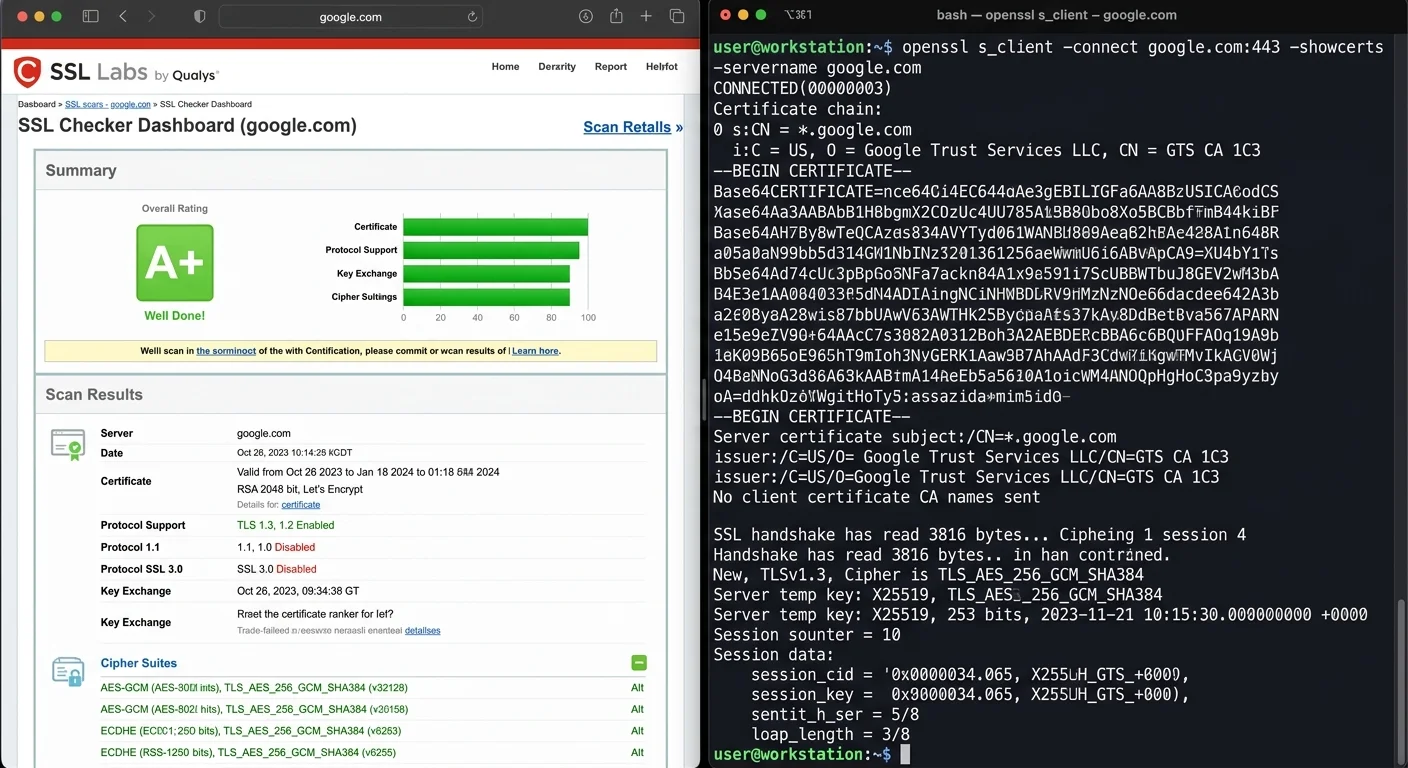
Manual verification typically starts with clicking the padlock icon in your browser's address bar. From there, you can inspect the certificate details, including the issuer, validity period, and subject alternative names. This works fine for a quick spot check on a single domain. But the browser only shows you what it negotiated during that specific connection.
For deeper inspection, developers turn to OpenSSL commands like openssl s_client -connect example.com:443. This reveals the full certificate chain, cipher suites, and protocol versions. The output, however, is dense and easy to misread. A single overlooked intermediate certificate or an unnoticed SHA-1 signature can slip past even experienced developers. The process takes three to five minutes per domain, assuming you know exactly what to look for.
Save your most-used OpenSSL commands as shell aliases to reduce manual verification time by half.
Accuracy and Depth of SSL Certificate Checks
What Automated Tools Catch
Modern SSL checker tools test far more than just certificate validity. They verify the complete chain of trust from root to leaf certificate, flag weak cipher suites, detect mixed content issues, and confirm proper HSTS headers. Many tools also check for known vulnerabilities like BEAST, POODLE, and Heartbleed. This comprehensive scan happens automatically with every check, so nothing gets overlooked because of human fatigue or forgetfulness.
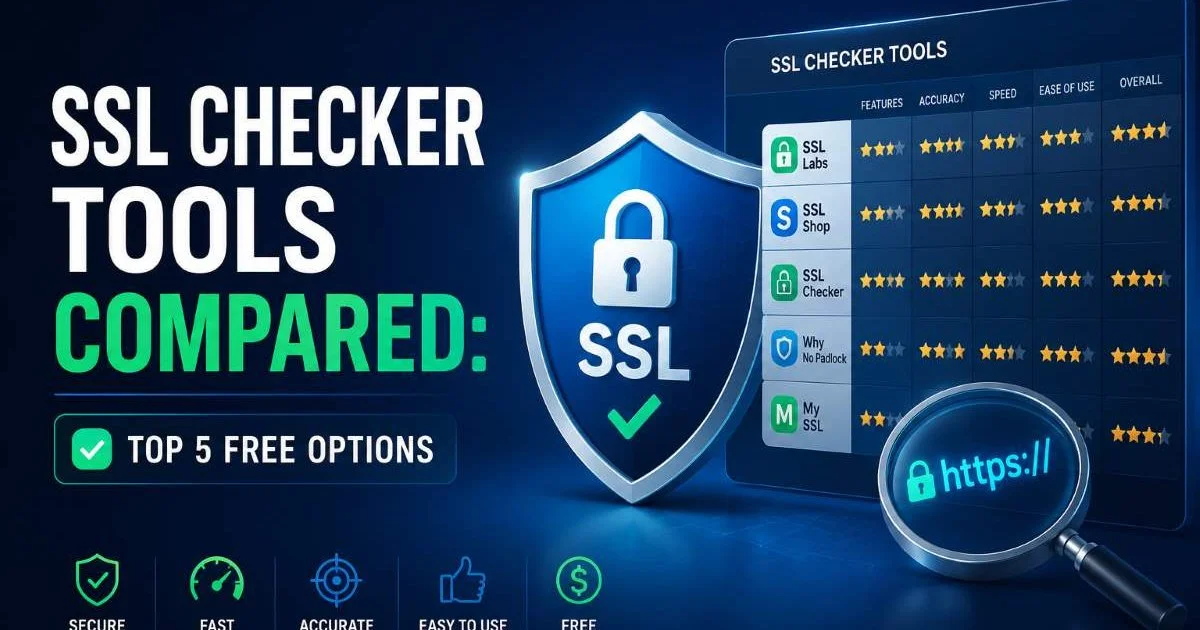
The best automated scanners also grade your overall TLS configuration. SSL Labs, for example, assigns letter grades from A+ to F. When comparing options, our review of the top free SSL checker tools found that most free tools now cover at least 90% of the checks that paid enterprise solutions offer. That is a remarkable shift from just a few years ago, when comprehensive scanning required expensive subscriptions.
What Manual Inspection Reveals
Manual verification excels in edge cases that automated tools sometimes handle poorly. If you are debugging a specific cipher negotiation failure with an older client, stepping through the TLS handshake with Wireshark gives you packet-level visibility. Custom server configurations, client certificate authentication, and non-standard port setups are areas where manual inspection still offers an advantage.
There are also situations where you need to verify certificate pinning behavior, test specific SNI configurations, or validate OCSP stapling responses. These specialized checks require hands-on command-line work. However, these scenarios represent maybe 5% of typical certificate verification needs. For the other 95%, an automated tool handles the job faster and with fewer errors. The trade-off is clear: manual methods provide depth on demand, while automated tools provide breadth by default.
Manual verification remains the gold standard for debugging client certificate mutual TLS authentication issues.
| Criteria | SSL Checker Tool | Manual Verification |
|---|---|---|
| Certificate chain validation | Automatic | Requires OpenSSL commands |
| Cipher suite analysis | Full report | Requires nmap or testssl.sh |
| Vulnerability detection | Built-in (POODLE, Heartbleed) | Separate tools needed |
| Mixed content detection | Yes | Browser console only |
| HSTS header check | Yes | curl or browser dev tools |
| Expiry date monitoring | Continuous with alerts | Manual calendar reminders |
| Certificate pinning test | Limited | Full control |
| Learning curve | Minimal | Moderate to steep |
Scalability and Monitoring
Managing Multiple Domains
This is where the gap between the two approaches becomes impossible to ignore. If you manage ten or more domains, manual verification becomes a weekly time sink. Checking each domain takes three to five minutes, meaning a 50-domain portfolio eats up over two hours. And that assumes you remember to check every single one. Miss a renewal, and your visitors see a browser warning that tanks trust and conversion rates instantly.
Automated SSL checkers solve this with bulk scanning and scheduled monitoring. You add your domains once, and the tool checks them daily or weekly on its own. Some services send email or Slack alerts 30, 14, and 7 days before a certificate expires. Knowing how to check SSL expiry dates before they break your site is only useful if you actually do it consistently, and automation makes consistency effortless.
A single expired SSL certificate on a subdomain can trigger browser warnings across your entire brand.
Alert Systems and Reporting
Automated monitoring platforms generate historical reports that show your certificate health over time. These reports are invaluable during security audits, compliance reviews, and client presentations. You can demonstrate a clean track record of timely renewals and properly configured TLS settings. This kind of documentation simply does not exist with manual checks unless you build a custom logging system.
Manual verification produces no paper trail by default. You could screenshot browser certificate details or save OpenSSL output to text files, but organizing and maintaining these records requires discipline and time. For businesses that must meet PCI DSS, SOC 2, or HIPAA compliance standards, automated reporting is not just convenient; it is practically a requirement. The audit trail an SSL checker creates pays for itself the first time an assessor asks for proof of certificate management.
"Automation does not replace understanding, but it does replace the tedious parts that humans consistently forget."
Cost and Accessibility
Free Versus Paid Options
The cost barrier for automated SSL scanning has essentially vanished. Tools like sslchecker.dev offer free certificate checks with no account required. You get immediate results covering expiry dates, chain validity, and protocol details at zero cost. Paid tiers exist for features like bulk monitoring, API access, and priority alerting, but the free tier handles most individual website owner needs comfortably.
Manual verification is technically "free" in terms of tool cost since OpenSSL ships with most Linux distributions and macOS. But the hidden cost is your time and expertise. A developer spending 30 minutes per week on manual checks costs their employer real money. At even a modest hourly rate, those minutes add up to hundreds of dollars annually. Free automated tools eliminate this expense entirely while delivering better coverage. It is a similar story across the tech landscape, where AI-powered tools are transforming workflows in creative fields too.
Start with a free SSL checker for basic monitoring, then upgrade to paid tiers only when you exceed 20 domains.
Skill Requirements
Anyone who can type a URL into a text field can use an automated SSL checker. The tool handles the technical complexity behind the scenes and presents results in plain language. This accessibility matters for small business owners, marketers, and project managers who need to verify their site's security without learning cryptography. A clear "your certificate expires in 12 days" message beats parsing X.509 certificate fields every single time.
Manual verification demands a working knowledge of TLS protocols, certificate formats, and command-line tools. You need to understand what a certificate authority chain looks like, why intermediate certificates matter, and how to interpret cipher suite names like TLS_ECDHE_RSA_WITH_AES_256_GCM_SHA384. This knowledge is valuable for developers and sysadmins, but it should not be a prerequisite for basic security monitoring. The best approach delegates routine checks to automated tools and reserves manual skills for troubleshooting specific issues when they arise.
Learning OpenSSL basics remains worthwhile for any developer, even if daily monitoring is automated.
Frequently Asked Questions
?How do I use OpenSSL to check a full certificate chain manually?
?When does manual SSL verification make more sense than an automated checker?
?Do free SSL checker tools provide the same depth as paid ones?
?Can an expired SSL certificate really drive away 85% of visitors?
Final Thoughts
For the vast majority of website owners and developers, an automated SSL certificate checker is the clear winner. It is faster, more consistent, and catches issues that manual verification commonly misses. Manual methods still have a place in specialized debugging scenarios, but they should not be your primary monitoring strategy.
The smartest approach combines automated scanning for daily oversight with manual skills kept sharp for the rare edge case. Start with a free tool, set up expiry alerts, and stop worrying about whether your TLS certificates are silently expiring in the background.
Disclaimer: Portions of this content may have been generated using AI tools to enhance clarity and brevity. While reviewed by a human, independent verification is encouraged.